
Ban List Importer + Curated Banned Words List
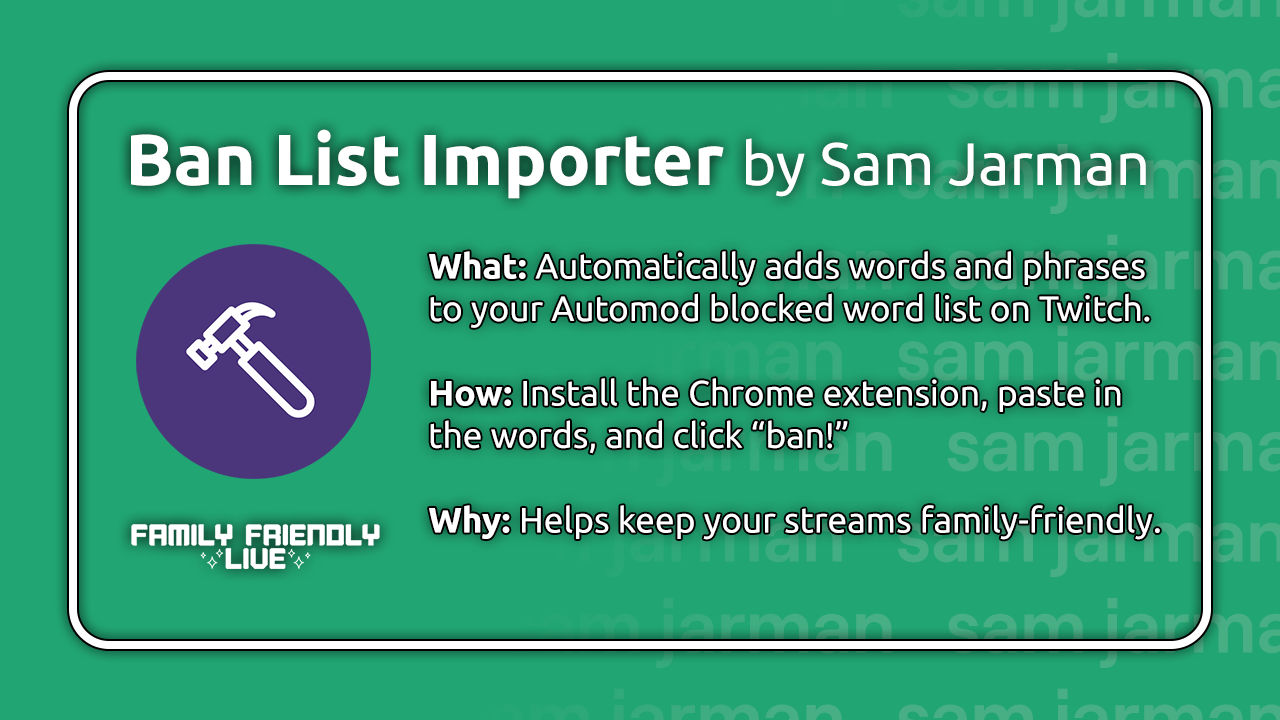
Keep your Twitch chat family-friendly easily with the Ban List Importer and our curated banned words list.
Steps
- Install the Ban List Importer Chrome extension.
- Visit Preferences → Moderation on your Twitch Creator Dashboard.
- Select Blocked terms and phrases under Automod Controls.
- Disable extensions that may interfere with the process, like ad blockers or BetterTTV.
- Download our banned words list (warning: NSFW), open it, and copy them all.
- Return to your Dashboard tab and click the Ban List Importer icon.
- Paste the entire list there, and click Ban!
- If all goes well, the banned words will automatically be entered into your blocked terms and phrases, one by one.
- You may want to delete the downloaded banned words list when you’re done. :)
Credits
Special thanks to Sam Jarman for creating this Chrome extension, as well as co-creator Amy Potter. Amy also created the banned words list upon which we based ours.
Read Sam’s full post about the extension on his website. You can also reach out or donate to him here.
We wish you the best in keeping your streams clean and family-friendly.